Website Accessibility in Nepal: Why Every Business Website Should Be Easy to Use
Learn why website accessibility matters for businesses in Nepal and how to improve readability, navigation, forms, images, and mobile usability.
 Kritika Ghimire8 min read
The goal of a business website is to make it easy for people to locate information, understand services, and reach the company without having to go to great lengths. But not all visitors see a website the same way.
Others may have vision problems with small print, color, mouse or complex forms. Others use older, slower, cell phones to browse sites.
This is why website accessibility in Nepal deserves attention from businesses developing or improving their online presence.
te that is designed to be understood and used by more people, including people with disabilities.
Accessibility isn't just a technical issue. It is also more about providing customers with a better digital experience.
What Is Website Accessibility?
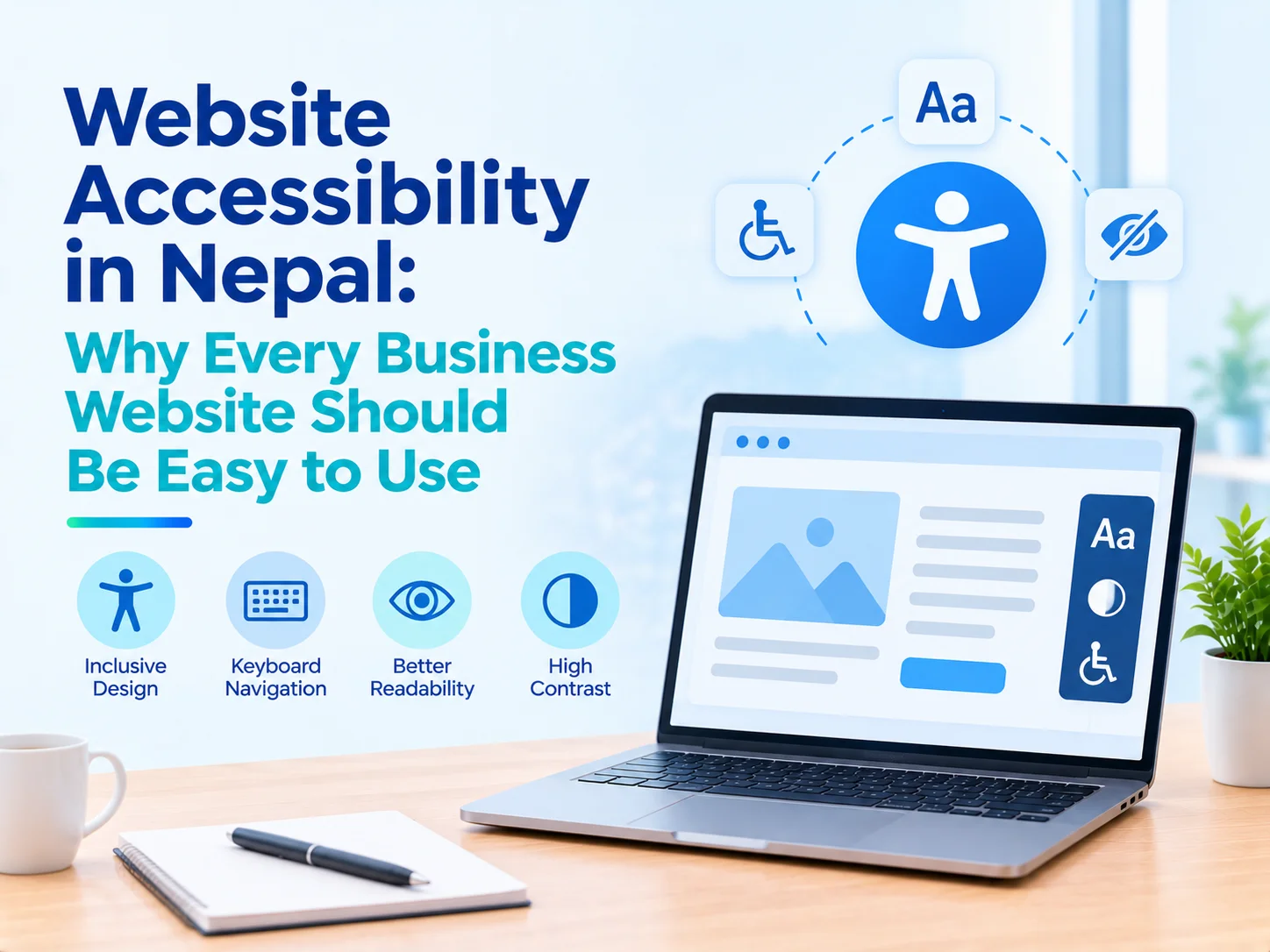
Website Accessibility is the design and development of a website to accommodate people of various abilities to access information and complete important tasks.
This means visitors who use screen readers, keyboard navigation, magnification or other assistive technologies.
Accessible website design takes into account how users will access the text, images, buttons, forms and navigation menus.
For instance, if user can't use mouse, he/she should be able to use keyboard to move around a website.
Likewise, an individual with vision problems must be able to read significant information without difficulty due to poor contrast.
The goal is to eliminate obstacles.
Why Is Website Accessibility Important in Nepal?
Websites are becoming a vital tool for businesses to interact with their customers, provide information about their products, schedule appointments and receive enquiries.
If a site is hard to maneuver, then potential customers may leave before they do what you would want them to do.
Improving business website accessibility can help in making the information available to a larger audience.
It can also enhance the experience for older users, for people using their mobiles, and for visitors who may experience temporary limitations.
Accessible design should be a part of the planning process for websites, and not something that is added on to after.
Companies developing new websites can explore web development services in Nepal when planning usability, navigation, and technical requirements.
Understanding Web Accessibility Guidelines
The Web Content Accessibility Guidelines, commonly called WCAG, provide internationally recognized recommendations for making digital content more accessible.
These guidelines are developed through the World Wide Web Consortium, or W3C.
WCAG organizes accessibility around four principles: perceivable, operable, understandable, and robust.
In practical terms, website information should be available in accessible formats, interactive features should be usable, content should be understandable, and websites should work with relevant technologies.
Businesses can review the official WCAG accessibility guidelines to understand these recommendations.
Following accessibility standards requires proper evaluation, not simply installing a plugin or adding an accessibility button.
1. Use Readable Text and Clear Typography
One of the vital components on your business website is the text.
Content that is difficult to read can result from small fonts, decorative typefaces and close paragraphs.
The font style should be readable, the font size should be suitable and the space should be comfortable.
Likewise, visitors need the ability to enlarge text without the loss of important information and/or function.
Clearly marked headings assist readers in comprehending the order of a page.
For inclusive web design, readability should be prioritized over purely decorative choices.
2. Maintain Sufficient Color Contrast
Color contrast has an impact on the ability of visitors to read text against its background.
For instance, something like light gray text on a white background can be considered modern, but is hard to read.
Other keys and form directions should also be visible.
The contrast needs to be assessed against relevant WCAG guidelines.
Color should not be the sole means for conveying important information.
An error message should contain more than just a red border, for example, it should contain explanatory text.
These enhancements are pleasing to visitors in varying lighting situations as well.
3. Make Navigation Keyboard-Friendly
Not all visitors will use a mouse or touchscreen.
Some use assistive technology or the keyboard to navigate websites.
All important links, menus, buttons and forms should be accessible to the user from an accessible website via the keyboard.
Focus indicator should be visible for the currently selected element.
Dropdown menus should also work without requiring mouse movements.
For accessible web development in Nepal, keyboard usability is an important part of technical testing.
It's up to the business to see if there's any functionality that can be accomplished without using a mouse.
4. Add Meaningful Alternative Text to Images
Images convey valuable information; however not all visitors can see the images.
Alt text (also known as alternative text) is the description of images that have meaning.
For instance, an image of an office interior, completed, might have an alternate text that details the office space.
Decoration images do not require detailed descriptions, unless they are images of significant cultural or historical importance.
This is about conveying "meaningful information" and not adding "keywords"!
Good image descriptions are essential for accessibility and to keep the content organized.
Businesses planning broader website improvements can also review SEO services in Nepal.
5. Design Accessible Contact Forms
If your business relies on customer enquiries, contact forms are of paramount significance for you.
Sometimes, however, forms are not user-friendly because of unclear labels, complicated instructions and confusing error messages.
One of the main factors that a practical website accessibility checklist should cover is whether all the inputs are clearly labeled.
Fields that must be filled should be marked and mistakes should be described as to what they are.
Forms must also be keyboard accessible and compatible with the appropriate assistive technology.
Don't try to find out information that is not required.
Having simple and easy to understand forms on a business can make it easier to contact the business.
6. Improve Mobile Accessibility
A significant number of customers surf the Internet using smart phones.
Buttons that are too small, overlapping text and cumbersome navigation can pose problems on mobile screens.
With mobile design, touch target sizes, readable content, and mobile-friendly layouts must be taken into account.
Users shouldn't have to zoom incessantly or scroll horizontally to access regular content.
Mobile accessibility is also important for users of settings to make devices accessible.
Businesses should test important pages on real devices whenever possible.
7. Use Clear Content and Page Structure
If the language used in your website is too complicated, it is hard to be understood.
Services must be described with simple wording and logical headings for business websites.
Don't embed critical directions in lengthy, complicated paragraphs.
A logical page layout assists users and visitors in locating information and assists those with assistive technologies.
For instance, a service page should include an explanation of what the service entails, who it is for, and how customers can ask questions.
This not only enhances website user experience, but also promotes accessibility.
8. Test Accessibility Regularly
Accessibility should be reviewed throughout website development and maintenance.
Automated testing tools can identify certain issues, including missing labels and some contrast problems.
However, automated checks cannot detect every accessibility barrier.
Manual testing, keyboard navigation, and feedback from people with disabilities provide additional insight.
Businesses can include accessibility checks within their ongoing website improvement plans.
For organizations considering broader technical changes, Infobytes Nepal's services provide a starting point for discussing website requirements.
Common Website Accessibility Mistakes
Examples of accessibility concerns are unreadable text, missing image descriptions, inaccessible menus, unclear forms, and buttons with labels that do not correspond to the function.
Another error is thinking that a website is accessible because it is appealing or functions on a mobile device.
It's not just about how it looks.
Businesses also should not advertise that they are WCAG compliant, if they haven't tested or provided proof.
Better to have a realistic improvement plan than unsubstantiated accessibility claims.
How Businesses Can Get Started
Start with the most critical pages of the website.
Make sure to verify on the homepage, service pages, contact forms, and other places that customers are likely to visit.
Locate issues that hinder visitors' abilities to read information and/or complete tasks.
Make improvements according to impact.
When creating a new website, businesses can factor in accessibility in the development of the project.
For businesses with an existing website, improvements can be implemented over time by regularly reviewing their website.
Conclusion
Businesses that wish to provide their customers with a better online experience should keep website accessibility in Nepal in mind.
Use of readable content, clear navigation, Keyboard navigation, accessible forms, and thoughtful Design for mobile access will lower barriers to visitors.
Accessibility must be seen as a process of website quality, not just one component.
In general, businesses in Nepal can develop more inclusive and user-friendly online experiences by designing websites for various users and objectives.
Frequently Asked Questions
Why should Nepali businesses consider website accessibility?
It helps lower access barriers to usability and makes business information more accessible for more customers.
What are WCAG guidelines?
WCAG is a suite of global guidelines that help make web content more accessible.
Does website accessibility help SEO?
Other accessibility features like headings and meaningful image descriptions can also help with website structure. Being accessible is not enough to lead to improved rankings.
How can businesses check website accessibility?
They may integrate automated accessibility tools, keyboard testing, manual review and accessibility input from users with varying accessibility requirements.

Written by
Kritika Ghimire
SEO & Digital Marketing Intern
Kritika works on search visibility and the content behind it, and writes about what actually moves a page up the results for a business in Nepal.
More about Kritika